
20 Sep MotoGP 25 Guide: The Best Tips and Tricks
In this MotoGP 25 guide, we bring you the best tips and tricks for the two-wheeled racer. Motorcycle racing games are tough. Brutally tough. Even players who can easily compete for victories in Formula 1 games or other racing simulations need to adapt when it comes to the MotoGP series. This is because bike handling is far more precise than cars or race cars—and not just because of the rider’s weight shifting. Especially in the “Pro” setting of MotoGP 25, you’ll end up in the gravel far more quickly than you’d like.
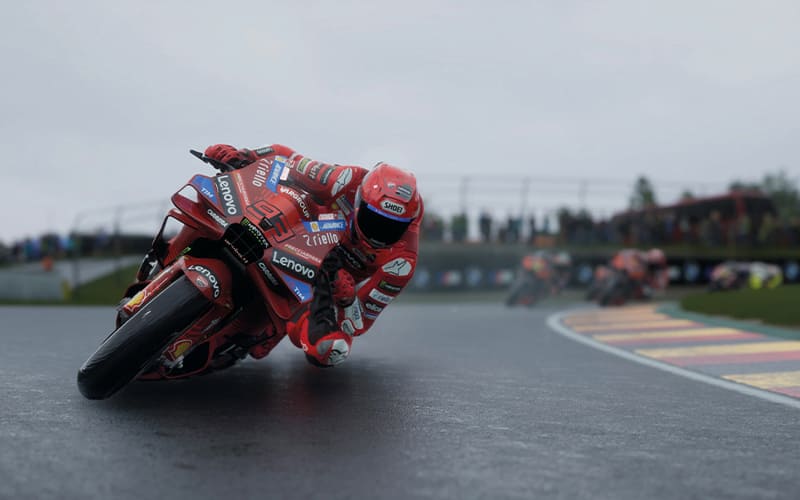
Fortunately, the new racer offers a beginner-friendly option in certain modes: the “Arcade” riding style. It’s much faster to learn and easier to master, without turning the racing game into a simple arcade title. The Arcade riding style is introduced in MotoGP 25’s initial tutorial. You can also select this option in other modes like Grand Prix. It’s a great way to get an initial feel for the handling.
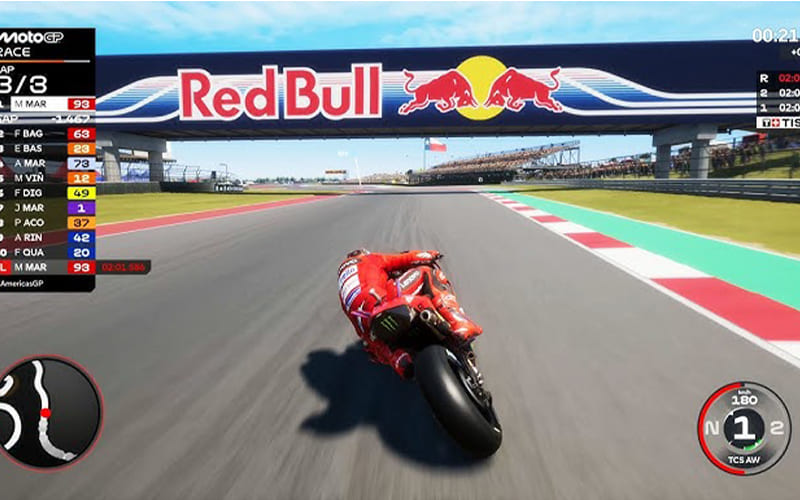
As expected from a good racing game, MotoGP 25 also provides a range of driving assists to make it much easier for beginners to get started. However, not all of these options are truly helpful: Neural assists for steering, throttle, and braking, for example, intervene too much by taking over steering or braking for you. While useful at first, they slow you down considerably and prevent you from developing the feel for the bikes yourself.
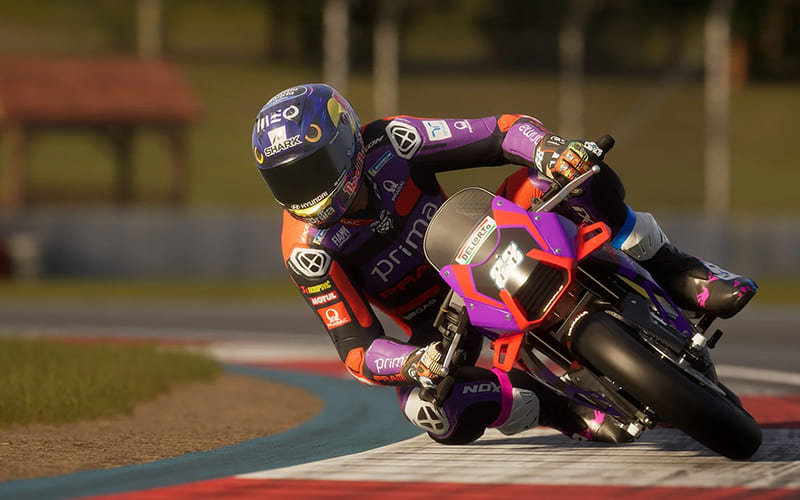
Combined Brakes, however, are completely different. As the name suggests, this option allows you to operate the front and rear brakes at the same time; in MotoGP games, these are normally two separate buttons. This means you don’t have to worry about brake distribution anymore.
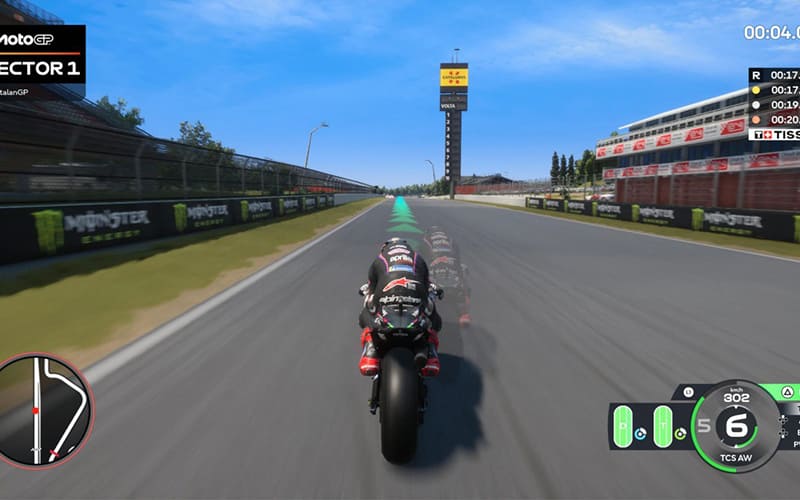
Basically, as in any racing game, in theory you’re faster without driving assists (or with reduced assists). But that doesn’t matter if you can’t keep the bike on the track. So it’s best to turn on as many assists as possible, develop a feel, and then gradually reduce the assistance. Driving assists in MotoGP 25 can be customized in the Basic Settings menu.
MotoGP 25 includes licenses for MotoGP, Moto2, and Moto3 categories. Just like in real life, the classes mainly differ in engine power and some other aspects.
- Moto3 is the slowest class and the most beginner-friendly, making it the perfect starting point to take your first steps in the bike simulation.
- The best way to start is by using the Time Trial mode from the main menu, where you’ll be alone on the track with no pressure.
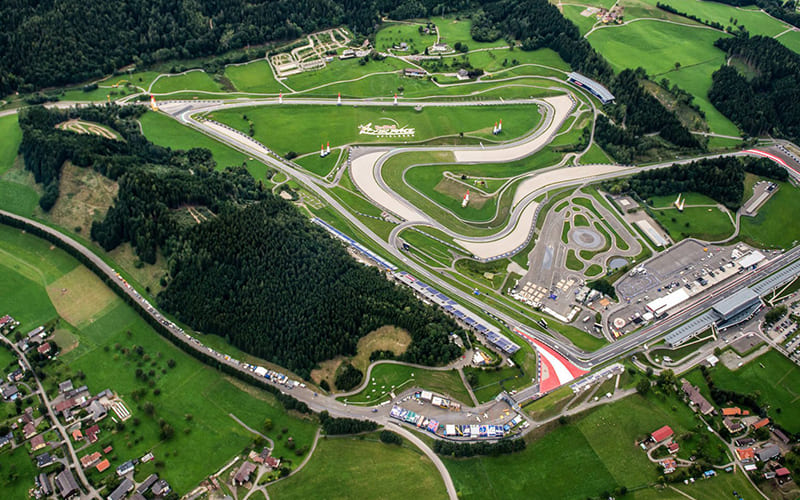
- It’s best to choose one of the easier circuits, like the Sachsenring or the Red Bull Ring, to get familiar with the gameplay.
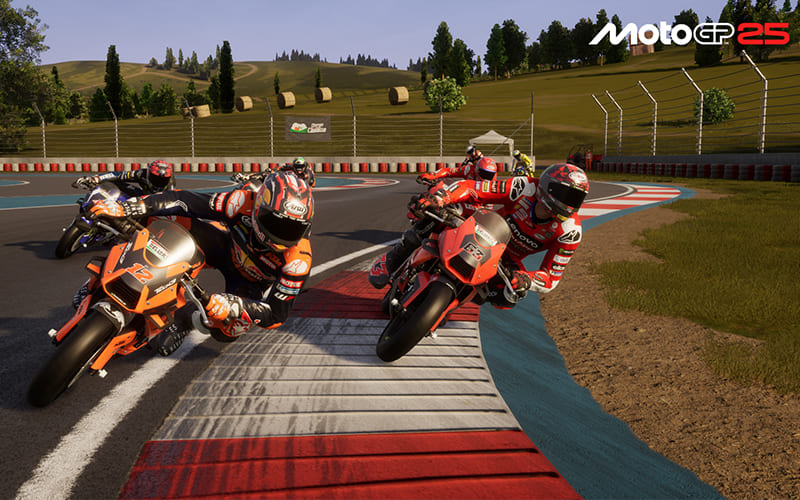
What’s impossible in car racing games is essential in MotoGP 25: shifting your body weight before turns is crucial to hitting a braking point and mastering a corner. For example, when approaching a left-hand turn, you need to shift your weight to the left before braking so the rider can lean into the curve more effectively. If you do this too late, even a perfect braking point won’t help you much.

This requires a lot of practice at first. But with some training, you’ll soon realize you can achieve much faster cornering speeds by shifting your weight earlier—which also makes you faster overall. After coming out of a corner, immediately look toward the next turn’s direction and, if needed, realign the bike accordingly with the left analog stick.
Especially in Pro mode, it’s crucial to be smooth with the throttle, brakes, and steering. Otherwise, you’ll end up on the asphalt sooner than you’d like. The same applies to accelerating out of a corner: if you slam the throttle, the rear wheel becomes unstable, usually leading to a crash.
So get used as quickly as possible to applying throttle and brake carefully and precisely, rather than pressing both triggers all the way. This is particularly easy on PlayStation 5 thanks to adaptive triggers, which provide tactile feedback. But it also works very well on Xbox and PC with a bit of practice.

In MotoGP 25’s Pro mode, you can customize your bike’s setup—as it should be in a true racing simulation. From driving assist levels to gear ratios and brake sizes, every parameter can be adjusted. Make sure to read the descriptions carefully to understand how each setting affects handling, braking distance, or acceleration.

Before testing, you can also select tire compounds and brake disc sizes:
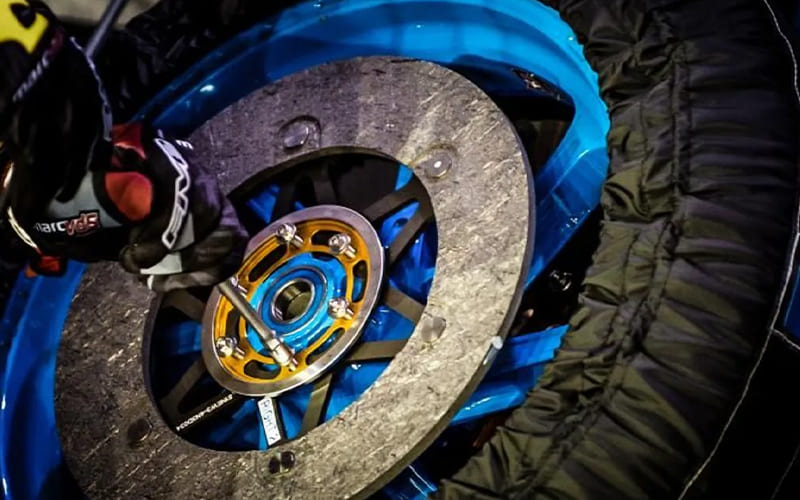
- Larger brake discs are generally better suited for higher temperatures and provide more braking power.
- Smaller brake discs are more effective in cold or rainy conditions and make bikes more agile.
Sorry, the comment form is closed at this time.